
survival.js
Survival
With limited resources, you must craft, sell, and buy to progress.
By R74nView mod →
Explore community-created Sandboxels mods, step-by-step installation guides, and creative gameplay ideas — all in one colorful place.
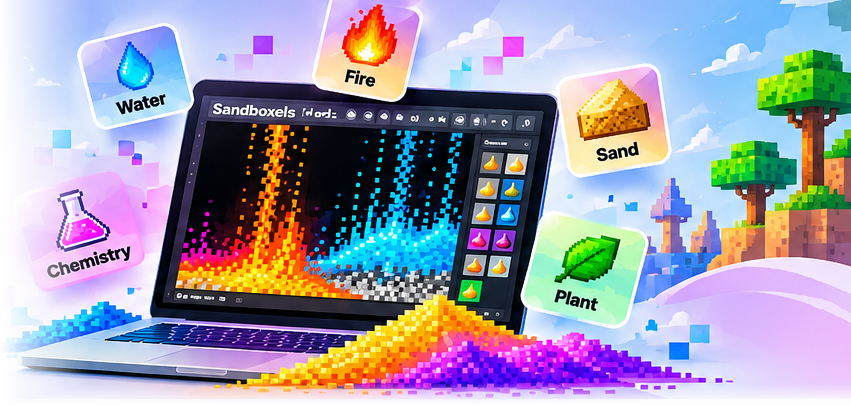
Find mods by gameplay style and effects.
Explore documented community creations and original mod sources.
With limited resources, you must craft, sell, and buy to progress.


Start with only 4 elements and unlock more by reacting them together (most are not possible).
Discover a mod, copy its exact filename, and add it using the official Sandboxels Mod Manager.
Read installation guide →Practical tutorials for new and experienced players.
No. This is an independent resource. Sandboxels is created by R74n.
Open the official game, select Mods, enter the exact .js filename, press Enter, and refresh.
No. We link to original sources and provide filenames to use in the official game.